Fancy trying NeuroDesk?
NeuroDesk is already being tested by a small group. We're looking for more neurodivergent people — with ADHD, autism, AuDHD, ODD, SLD — to use it and tell us, without beating around the bush, what helps and what doesn't.
Next step (2 minutes): open the book to the first page of the chapter. Don't read yet. Just open it.
Write down the task you can't start. NeuroDesk replies with a single small step to take, not a long list.
Simple, and no rush
We give you a code
You enter with a code, without giving your name. No sign-up.
You use it whenever you want
Write however it comes, even just a few words. You get one step at a time.
You tell us how it went
A few questions with buttons, and space to write. No reports needed.
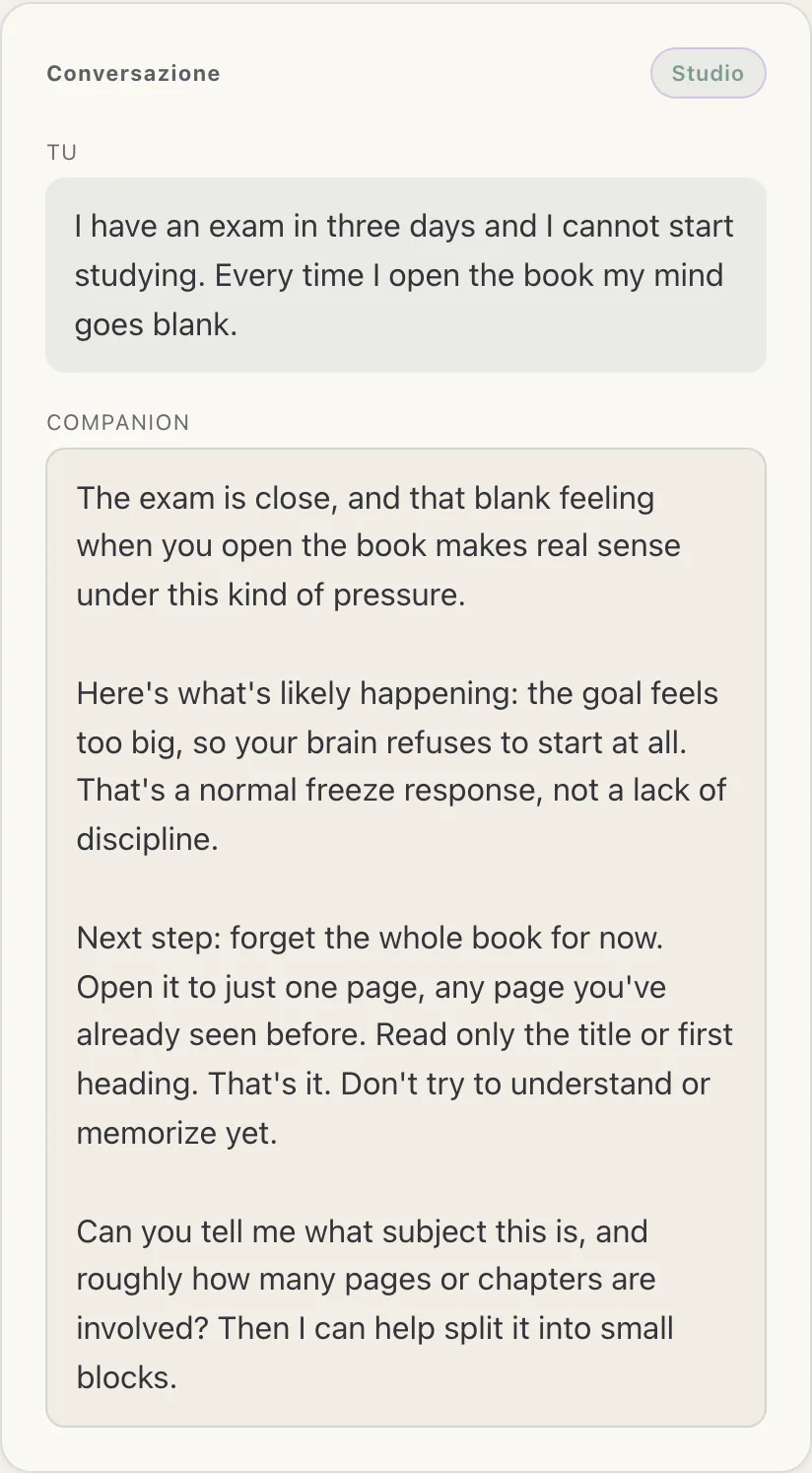
A real conversation. Write in English and you get English back — the buttons are still in Italian, the answers are not.
Easy to use, even on bad days
You can listen to it
If reading is tiring, tap Listen: NeuroDesk reads the reply out loud, with your device's voice. Nothing to install.
Large text, soft colours
Large, readable type, little movement. There's a dark theme too, for when light bothers you.
Works with screen readers
Compatible with screen readers and keyboard navigation. Nobody is left out.
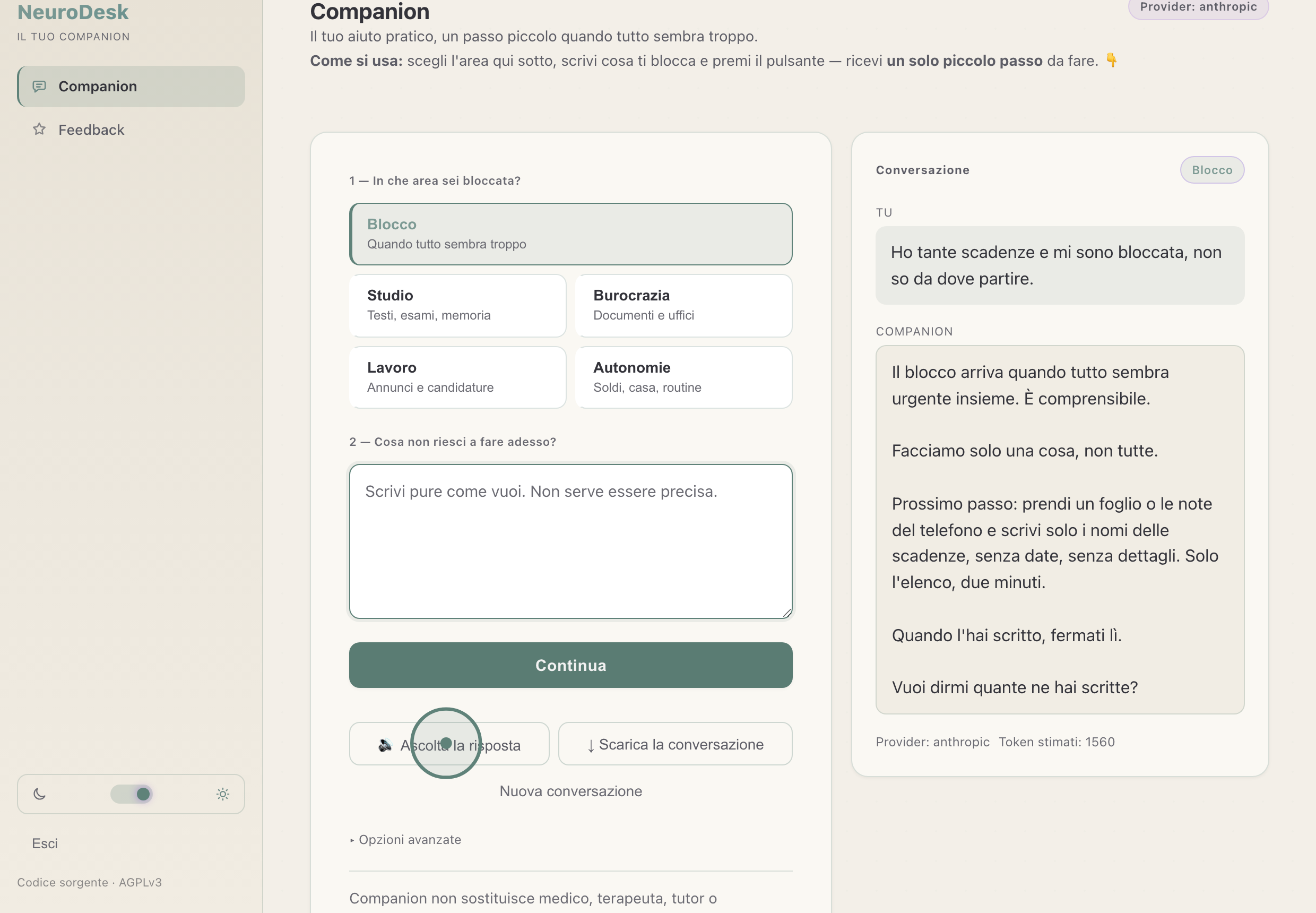
The Listen button appears under every reply: one tap and it reads it to you.
Want to try it?
Write to us and we'll send you a code to start. It only takes a few minutes when you feel like it.
I want to try itA real person will reply.
Already have a code? Enter here.
First time? Read the quick guide: how it works and what to do if something breaks.
A few things, clearly
No need to be an expert
There's no right or wrong way to use it. We just want to understand what it's like for you.
Your data stays yours
You enter without a name. Conversations are encrypted on our server and you can delete them whenever you want.
It's not therapy
NeuroDesk is a practical tool. It doesn't replace doctors, psychologists or services.
If you are a developer: you can use your own API key
Normally we pay for the Companion's answers. If you already have an Anthropic or OpenAI account and would rather the usage sat on yours, you can give us your API key: from then on your conversations are billed to you and not to the shared credit.
This is no use to you if you do not know what an API key is — and it is not needed at all: one answer costs less than half a cent, so you are not weighing on anyone. It is here only because someone asked for it.
The key is encrypted with the same system as the conversations and is not visible to anyone afterwards, not even to us. If it stops working we tell you, and we do not use NeuroDesk's credit in your place. You can ask us to remove it whenever you want, and revoking it from your own account always stays in your hands.